Built to grab attention
Every idea we generate is engineered to stop the scroll. The concepts are deliberately bold and surprising — hooking a viewer in the first few seconds is the whole job, so there is no such thing as a boring, generic result here.
So expect something creative rather than a plain product demo. That is the point: it is what makes the ad worth watching.
Start with the right image
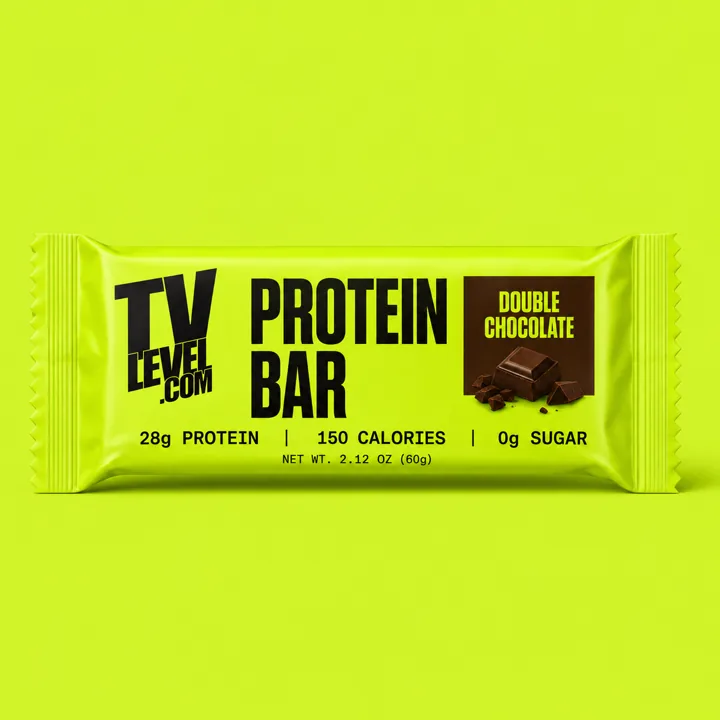
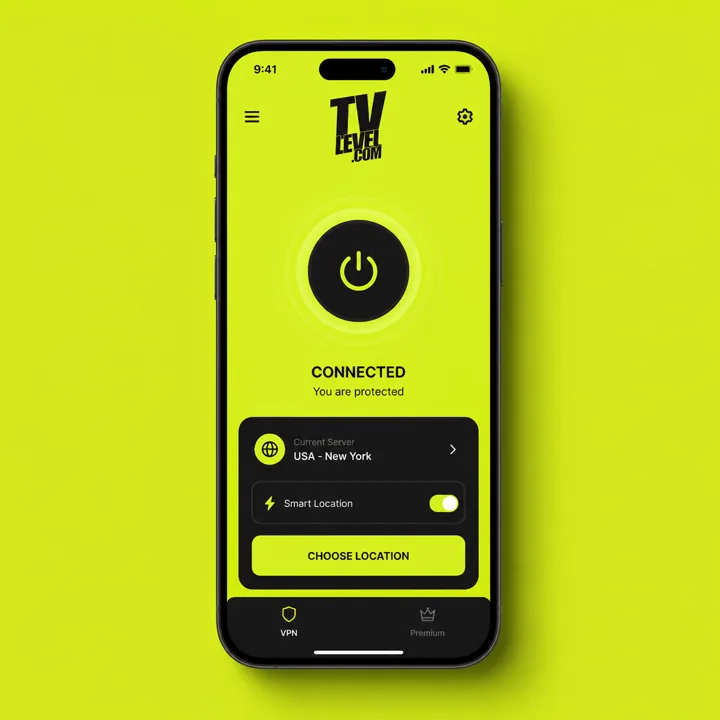
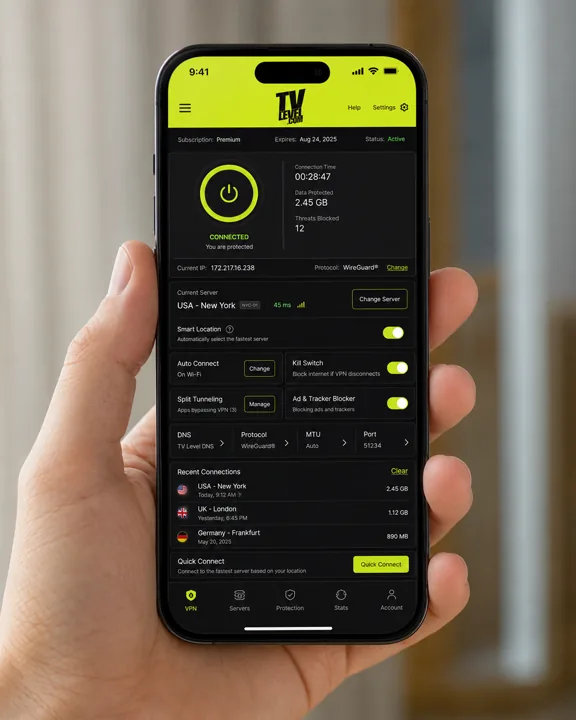
Everything is built around the one image you upload, so it sets the ceiling for your result. Upload whatever best represents what you are advertising — a product shot, your brand logo, an app screenshot, or a photo of your venue — and keep people out of the frame.
The clearer and sharper the image, the more faithful the result. Uploading an app or dashboard screenshot? Pick a clean screen with large, simple UI — screens packed with tiny text and fine detail tend to blur.
Your style shapes the story
A style is more than a visual filter — it sets the world your ad lives in, and with it the storyline. A neutral style like Cinematic can host almost any plot, while a themed one pulls the story toward its own world: pick Horror and you will likely land in dark castles, dungeons, and monsters.
So choose the style that fits the story you want, not just the look you want.
Choose your resolution
Pick 720p or 1080p. 720p is plenty for social feeds and most of what people watch on a phone. Reach for 1080p when you need full-screen playback or the sharpest possible quality.
Pick your aspect ratio
Choose the shape that matches where your ad will run. Use 16:9 for widescreen, landscape placements, and 9:16 for vertical, full-screen mobile content.
Add a prompt — or leave it to us
Leave the prompt empty and we will come up with the ideas for you. Prefer to steer? Describe what you have in mind — a setting, a rough storyline, the moment you want to see.
Your prompt carries the highest priority and will override the style when the two disagree. So if you ask for a space setting but pick the Antique style, expect surprising results — often in a good way. Keep them aligned for a predictable look, or clash them on purpose.
Choose your idea
You will get four ideas to choose from, with one pre-selected as our recommendation (look for the "Our pick" badge). If you wrote a prompt, all four are built around your direction — just four different takes on it. Pick whichever you like best.
Open "Details..." on any idea to edit its tagline — the line shown on the end card at the close of the video. Keep ours or write your own. You get up to five tries, and we moderate each one so nothing unsafe slips through and breaks the render.
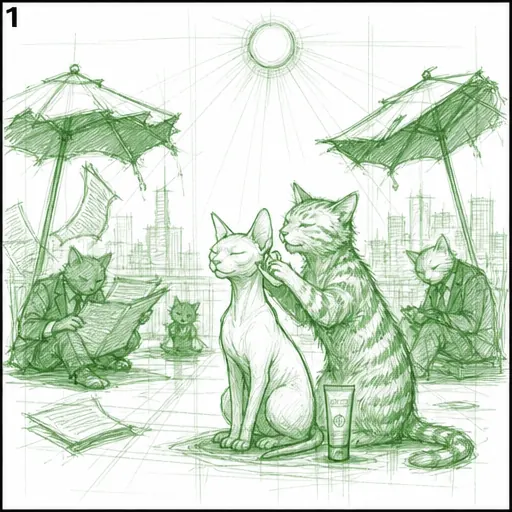
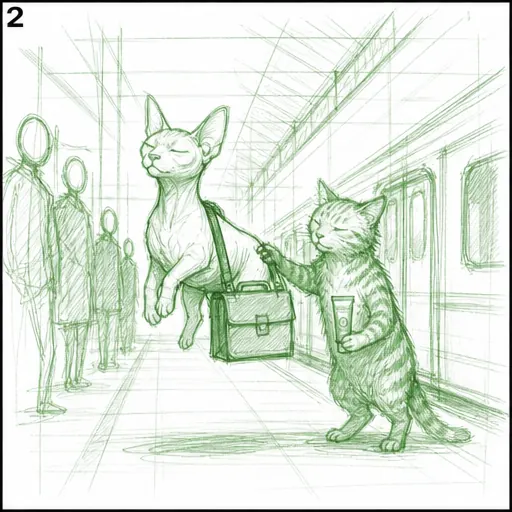
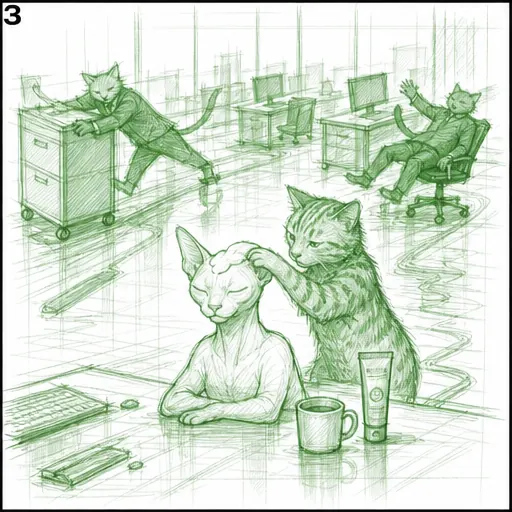
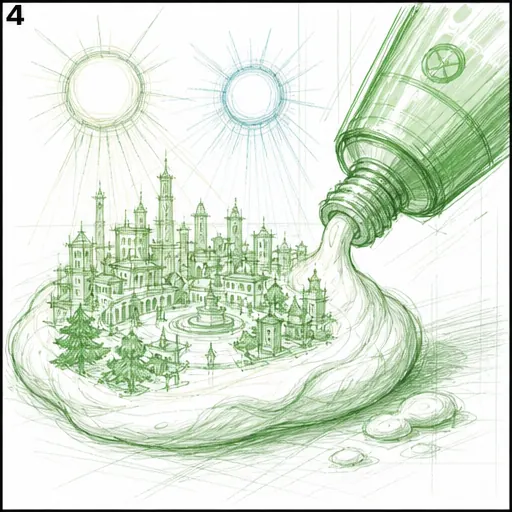
The thumbnail on each idea is a rough sketch, not the final look — it is only there to hint at the concept. Your finished video will (and should) look different; the sketch just gives you a rough sense of what the ad is about.
Download your video
When your ad is ready, grab the finished cut with the Full video button. You can also download the raw pieces on their own — the Main part and the End card.
Reach for the separate parts when you only need one of them, or when you want to take the footage into post — add music, trim it, or edit it into something larger.
What we don't generate
A few things are off the table — partly to keep your ad brand-safe, partly because our moderation will reject them and the generation will not go through. Knowing them up front saves you a wasted try.
- Real people — public figures or look-alikes
- Regulated products aimed at the wrong audience
- Medical or health claims
- Anything hateful, explicit, or otherwise unsafe